GoDovaro is an MSI. The same UpgradeCode is used on every release, so a newer package replaces the older one, including an older install of this app.
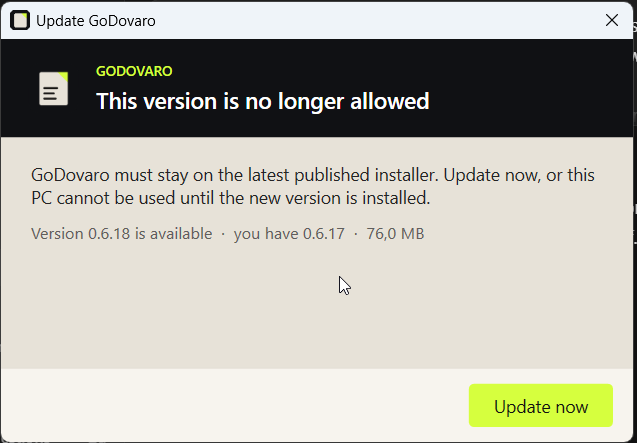
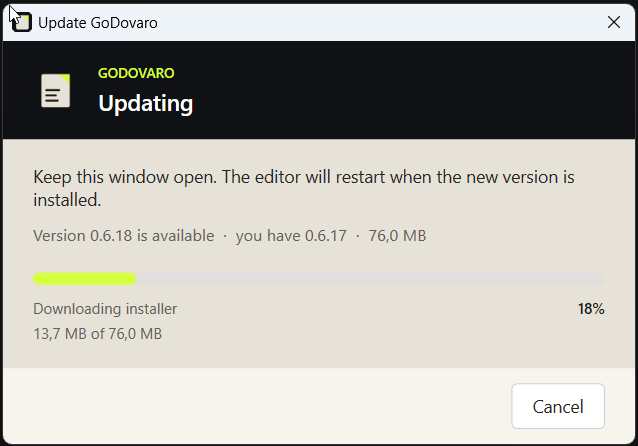
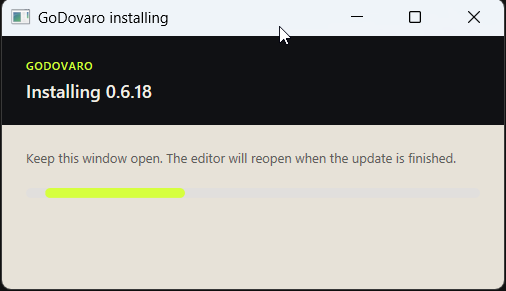
What an update looks like
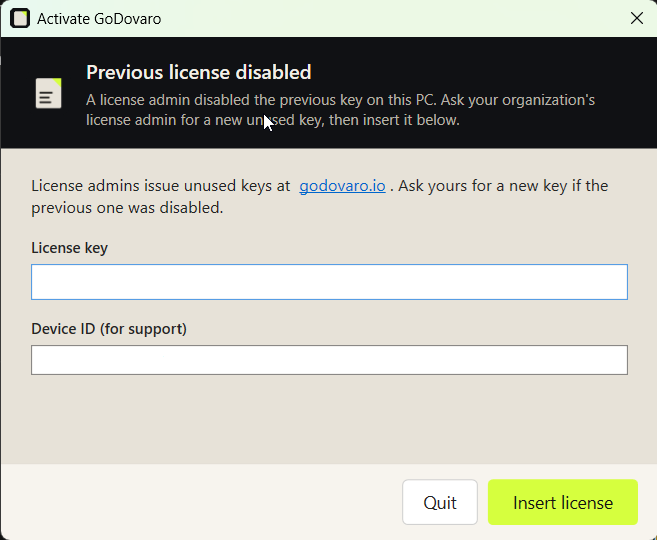
The app must stay on the latest published installer. The in-app updater downloads the next MSI over HTTPS. After install, a license key is still required on first run.
Paths
A per-machine install lands in C:\Program Files\GoDovaro\. A per-user install lands in %LOCALAPPDATA%\Programs\GoDovaro\. The app executable is GoDovaro.exe.
Intune
Assign the MSI as a line-of-business or win32 package. UpgradeCode b4e8c1a0-9d27-4f5e-8b3a-1c6d9e4f2a70. After install, a license key is still required on first run. The in-app updater downloads the next MSI over HTTPS and runs msiexec. That path is not the public Download page.
Defender ASR
The rule “Block executable files from running unless they meet a prevalence, age, or trusted list criteria” (01443614-cd74-433a-b99e-2ecdc07bfc25) can block a first run of a new publisher. A per-rule exclusion for the two folders above is enough. The MSI itself is launched by msiexec; that rule does not block the package.
Updates and SmartScreen
A browser download of the current self-signed MSI can show SmartScreen. An Intune deploy does not carry Mark of the Web. A public code-signing certificate in the trading name is what clears SmartScreen for people outside your tenant.
Questions about a managed install: support@godovaro.io, within 24 hours.