Windows PDF editor
The PDF stays on this PC.
Edit text and pictures, organize pages, mark up, protect, and convert Office files. The document is not uploaded to do the work.
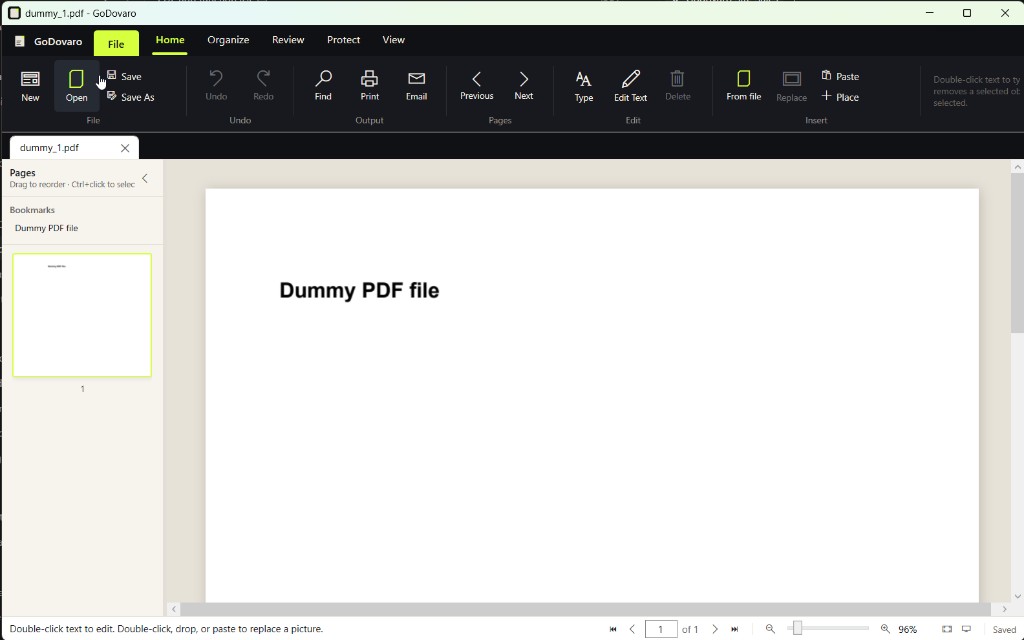
On this PCEditing runs in the Windows app. The file stays local.
Windows 10 and 11Desktop software. Not a tab, not a browser upload.
From €201 month, 3 months, 6 months, 1 year, or 2 years.
Office in, Word outWord, Excel, PowerPoint. OCR so a scan can be searched.
About us
Built so the file does not leave the desk.
People were uploading a contract, waiting, and hoping the layout came back intact. GoDovaro is a Windows app instead. You change the text, move a page, mark the review, and send the same file on.
Teams that already work in Word and Outlook issue the seats themselves from the portal. The same person can reinstall without burning a second seat. A 14-day trial needs no card. A subscription is €20 for a month up to €180 for a year, on this page. GoDovaro is a Snellsoft product.
- Text and pictures edit in place
- Updates included
- Portal included
- Reassign a seat, free
In the app
The ribbon is the product. These are the groups on it.
EditText, pictures, links
OrganizeRotate, split, combine
ReviewHighlight, notes, ink
ProtectPassword, Bates, watermark
Features
Text and pictures
Edit
Retype a clause or replace a picture. The rest of the page stays where it was.
Order and files
Pages
Rotate, insert, extract, split, or combine. One packet, or many.
Markup
Review
Highlight, sticky notes, ink, and the form fields already in the file.
Stamp, not a qualified e-signature
Sign
Draw a signature or drop a date. It is a stamp on the page, not a qualified electronic signature.
Lock and label
Protect
Password, watermark, header, footer, and Bates numbers for a packet.
Convert and search
Office
Word, Excel, and PowerPoint in. Word out. OCR so a scanned page can be searched.
How a seat works
Try it for 14 days
Full app, no card, and the trial does not turn into a charge. Or subscribe from the start for the term you pick.
Take the key
The key is on the confirmation page and in the email you entered. It lasts 14 days, or the subscription term you paid for.
Open the file
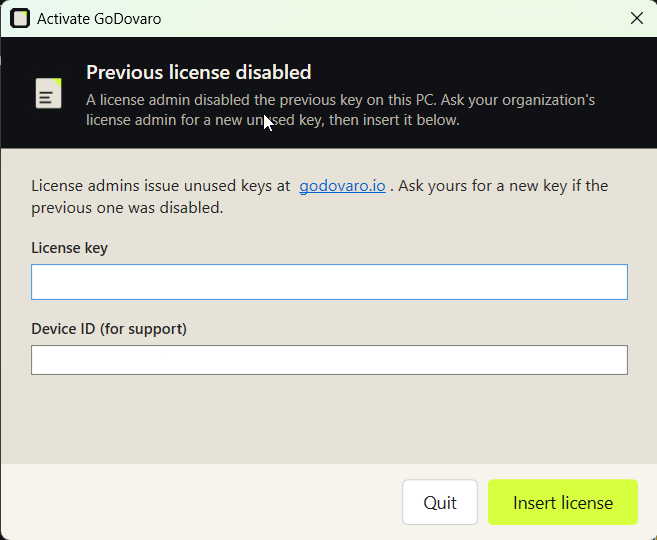
The app activates on that Windows user. Reinstalling on the same PC does not take a second seat. Moving it to another PC is free, from the portal.
On this PC
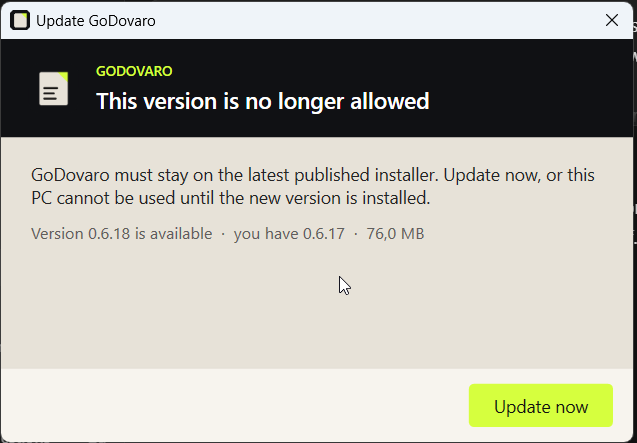
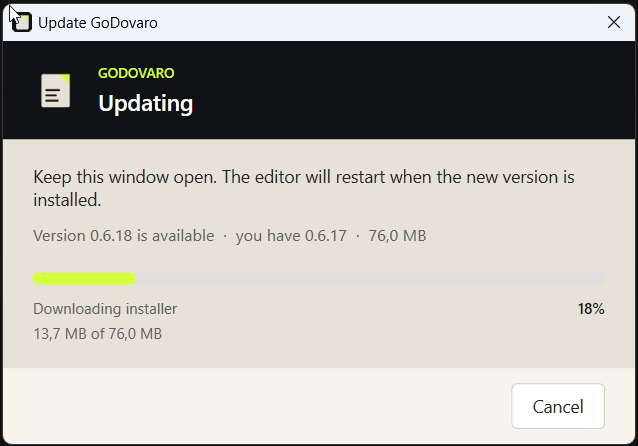
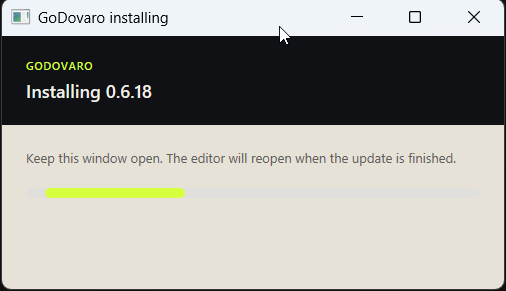
A required update, then a key. The document still does not leave the machine.
Price
- Updates included. No extra payment for them
- The company license portal is included
- A seat can be reassigned from the portal, at no charge
- The term renews at the same price until you cancel
- A seat that is never activated can be refunded within 14 days
Any seat count. Volume rates from 30 seats. One-year list stays €180 under that.
30 seats€5,130€171 each / 1 year · 5% off list50 seats€8,100€162 each / 1 year · 10% off list100 seats€15,300€153 each / 1 year · 15% off list
You can take these published prices. For a reduced rate, write sales@godovaro.io.
Purchase and refunds · Invoice · What the app sends
Support replies within 24 hours. support@godovaro.io.
Questions
Does the PDF get uploaded?
No. GoDovaro edits the file on the PC. Activation checks the license with godovaro.io. The document itself is not sent there to be edited.
Is the signature legally qualified?
No. A signature or date in GoDovaro is a stamp on the page. It is not a qualified electronic signature.
What does one seat cover?
One PC and one Windows user, for the term you subscribe to. A trial is 14 days. The same person can reinstall. Moving the seat to another PC or person is free, from the portal.
Do updates cost extra?
No. Updates are included in the subscription. There is no separate update fee.
Is the license portal extra?
No. The company portal is included. From that login you issue seats and reassign one that is already in use.
Can I try it before paying?
Yes. The trial is 14 days, with every feature, and no card. It does not become a subscription when it ends.
Is there a volume price?
Yes. Any seat count can subscribe or request an invoice. A 1-year seat is list €180 under 30 seats, €171 from 30, €162 from 50, and €153 from 100. For a reduced rate, write sales@godovaro.io.
How do I get support?
Write to support@godovaro.io. We reply within 24 hours.
Which Windows versions?
Windows 10 and Windows 11. It is a desktop app, installed like any other program your IT team already manages.
Contact
Write to us.
Pricing, a seat question, or something the app should do next. Support replies within 24 hours at support@godovaro.io. The form is covered by the privacy notice.